The infrastructure that registers and distributes Crossref metadata has been running and growing for more than two decades. It now does considerably more than it was built to do, and it shows: two large, tightly coupled monoliths (Content System and REST API), where a change in one place risks breaking something in another.
In December 2026, we plan to publish new Crossref Member Practices which will set out the standards we expect all Crossref members to meet. From August to October 2026 we are consulting with our members on a draft of these Member Practices. This blog provides the background to this, and explains how you can share your views.
The Crossref community in India is as diverse as the region that it represents, comprising 1605 members, 11 sponsoring organisations, and 5 ambassadors, who between them cover the length and breadth of this country. Between November 2025 and March 2026, we organised three webinars focused on supporting this community with best metadata and publishing practices. We collaborated with the Directory of Open Access Journals (DOAJ) and the Committee on Publication Ethics (COPE) to embed understanding of metadata’s role in the greater context of publishing integrity.
PID strategies are being written around the world right now, and the decisions being made will shape the scholarly record for decades. After 25 years running open scholarly infrastructure—now on behalf of 25,000 members in 167 countries—Crossref has an informed perspective on what those decisions should ideally rest on. Today we’re setting it out in our first position paper: Persistent identifiers in research infrastructure policy: the need for a holistic approach. You can read it online or download the PDF; it’s a 16-minute read.
The DOI error report is sent immediately when a user informs us that they’ve seen a DOI somewhere which doesn’t resolve to a website.
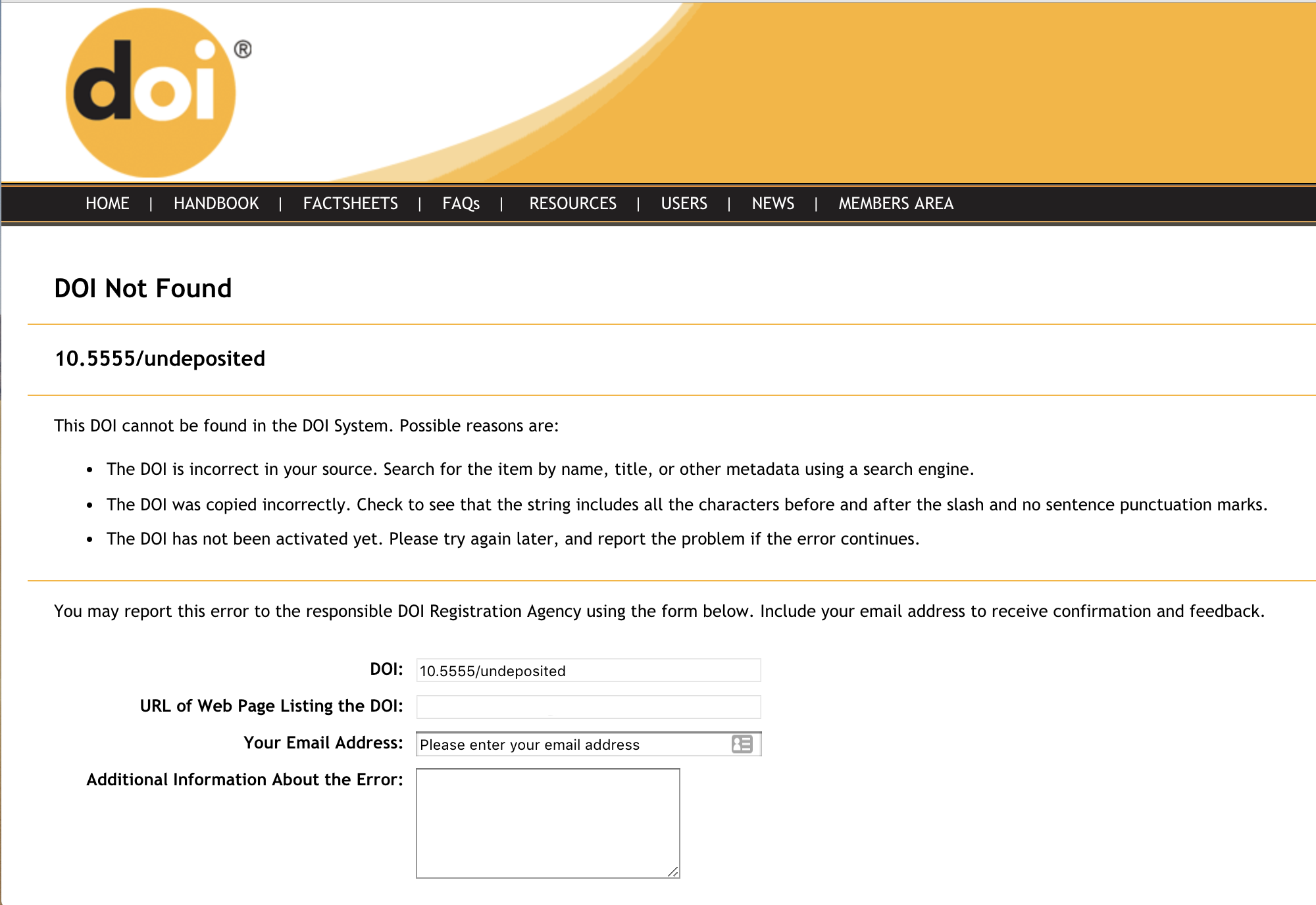
The DOI error report is used for making sure your DOI links go where they’re supposed to. When a user clicks on a DOI that has not been registered, they are sent to a form that collects the DOI, the user’s email address, and any comments the user wants to share. We compile the DOI error report daily using those reports and comments, and send it via email to the technical contact at the member responsible for the DOI prefix as a .csv attachment.
If you would like the DOI error report to be sent to a different person, please contact us.
The DOI error report .csv file contains (where provided by the user):
DOI - the DOI being reported
URL - the referring URL
REPORTED-DATE - date the DOI was initially reported
USER-EMAIL - email of the user reporting the error
COMMENTS
We find that approximately 2/3 of reported errors are ‘real’ problems. Common reasons why you might get this report include:
you’ve published/distributed a DOI but haven’t registered it
the DOI you published doesn’t match the registered DOI
a link was formatted incorrectly (a . at the end of a DOI, for example)
a user has made a mistake (confusing 1 for l or 0 for O, or cut-and-paste errors)
What should I do with my DOI error report?
Review the .csv file attached to your emailed report, and make sure that no legitimate DOIs are listed. Any legitimate DOIs found in this report should be registered immediately. When a DOI reported via the form is registered, we’ll send out an alert to the reporting user (if they’ve shared their email address with us).
I keep getting DOI error reports for DOIs that I have not published, what do I do about this?
It’s possible that someone is trying to link to your content with the wrong DOI. If you do a web search for the reported DOI you may find the source of your problem - we often find incorrect linking from user-provided content like Wikipedia, or from DOIs inadvertently distributed by members to PubMed. If it’s still a mystery, please contact us.
Page maintainer: Isaac Farley Last updated: 2024-July-19